
Writecream
Create SEO-driven blogs, emails, podcasts, and visuals.
Key Takeaways
- What it is
- Create SEO-driven blogs, emails, podcasts, and visuals.
- Pricing
- $19 per month (discounted from $29 per month) · $24 per month (discounted from $49 per month)
- Best for
- Lexi AI SEO Agent
- ChatGenie AI Assistant
- SEO & Backlink Toolkit
- Rating
- 4.3/5
What is Writecream?
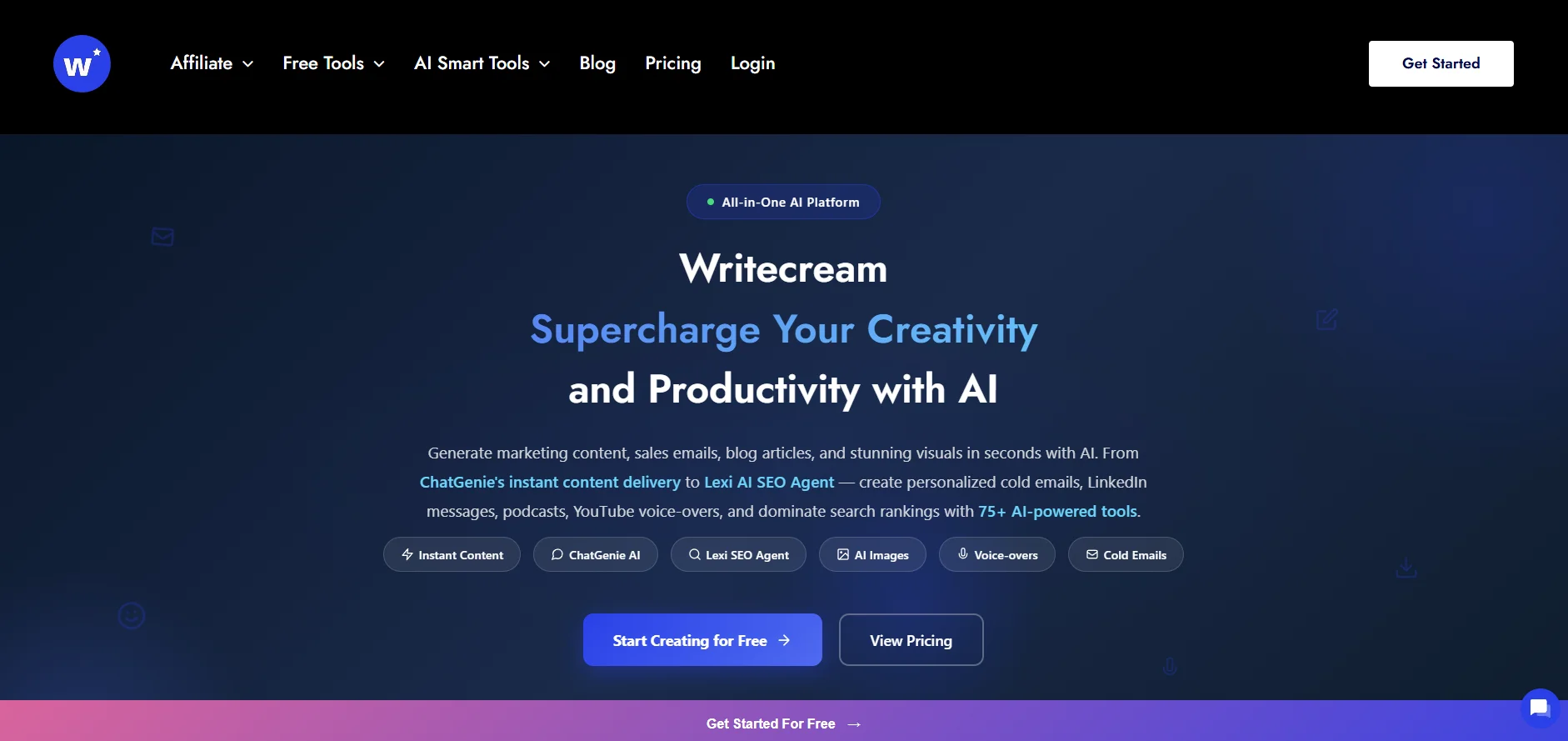
Writecream focuses on AI-assisted content creation and SEO, blending long-form writing, outreach, audio, and image generation in one workspace. It targets marketers, SEO professionals, solopreneurs, and agencies who want blog posts, sales emails, ad copy, podcasts, voiceovers, and visuals produced quickly with AI support. With over 1.5 million users, 75+ AI tools, and support for more than 75 languages, it aims to turn ideation, research, and publishing into a single, guided flow rather than a patchwork of disconnected apps.
Writecream distinguishes itself by pairing a dedicated SEO agent, Lexi, with a broad content studio that covers text, audio, and images in one place. Few AI writers combine SERP analysis, backlink intelligence, AEO/GEO features, and one‑click WordPress export with tools for podcasts, voiceovers, and icebreaker images. The option on higher plans to build and even resell AI tools also appeals to agencies and entrepreneurs looking to turn internal workflows into products.
For marketers, founders, and agencies who care about SEO and outreach as much as copy quality, Writecream offers a capable mix of research, generation, and publishing tools at a friendly price point. It will not replace thoughtful human editing or a full marketing stack, yet it meaningfully cuts the time spent drafting blogs, emails, and scripts while adding helpful SEO and backlink insights. Users who want more than a basic AI text box, but do not want to juggle separate apps for writing, images, audio, and SEO, will likely find Writecream a strong contender for their everyday content workflow.
Who is Using Writecream?
SEO Specialists and Content Marketers
Using Lexi to research keywords, study competitors, and ship long-form SEO articles more quickly.
Sales and Outreach Teams
Creating personalized cold emails, LinkedIn intros, and icebreakers at scale from prospect lists or CSV uploads.
E‑commerce Brands and DTC Stores
Producing product descriptions, brand stories, ad copy, and localized content in 75+ languages.
Agencies and Freelancers
Managing blogs, ads, and outreach for multiple clients, with higher tiers enabling reselling of AI tools as a service.
Uncommon Use Cases
Podcasters turning blog posts into scripts and audio; educators preparing multilingual materials, prompts, and practice emails for students.
Key Features
Rating Breakdown
Pricing Plans
Unlimited Pro
$19 per month (discounted from $29 per month)
- Unlimited words, unlimited projects, fast response time, access to 55+ premium AI tools, 100 voiceovers, 100 AI images, 1 seat, and 24x7 chat + email support
Unlimited Pro Max
$24 per month (discounted from $49 per month)
- Unlimited words, unlimited projects, fastest response time, access to 60+ premium AI tools, unlimited voiceovers, unlimited AI images, 5 seats, create + resell AI tools, weekly AI webinar, $500+ bonuses, and 24x7 chat + email support
Which Writecream plan should you pick?
Start with Free Forever to test the tools; upgrade to Unlimited for individual high-volume use or Pro Max for businesses and teams needing five seats.
Free Forever
Good for testing Writecream with limited credits, articles, podcasts, voice-overs, and access to the platform's tools.
Unlimited
Good for individual creators and solopreneurs who need unlimited words, projects, and premium AI tools.
Pro Max
Good for businesses and teams that need five seats, unlimited words, premium tools, voice-overs, images, and tool resale.
Writecream Use Cases
SEO article production
Use Lexi and the long-form editor to research keywords, structure articles, optimize drafts, and export to WordPress.
Outcome: Publish-ready SEO content with scoring, internal links, and schema.
Cold outreach personalization
Enter a prospect website or LinkedIn profile to generate personalized cold-email and LinkedIn icebreakers.
Outcome: More tailored outreach messages.
Marketing copy creation
Generate ad copy, product descriptions, website headlines, emails, social captions, and value propositions.
Outcome: Faster production of campaign and sales assets.
Podcasts and voice-overs
Transform written articles into podcasts or YouTube voice-overs using multilingual voices.
Outcome: Audio versions of written content.
Custom AI tools
Create a reusable tool by defining its name, context, instructions, inputs, outputs, and example input-output pairs.
Outcome: A repeatable generator tailored to a specific use case.
Workflow Ideas with Writecream
SEO article to WordPress
- 1Enter a target keyword for Lexi to analyze search results
- 2Review the generated brief and SEO-optimized article
- 3Refine the draft and export it to WordPress
Personalized cold-email campaign
- 1Provide a prospect website or LinkedIn profile
- 2Generate personalized icebreakers and outreach copy
- 3Review the messages and use them in the outreach channel
Reusable custom content generator
- 1Name the custom tool and define its context and instructions
- 2Specify the expected inputs and outputs
- 3Add three to five examples and create the reusable tool
How Writecream fits into your stack
Browser
Writecream is primarily a browser-based AI writing and SEO workspace with article generation, ChatGenie, Lexi, images, voice-overs, and publishing tools.
Docs and writing
Its Chrome extension works inside Google Docs and text-entry surfaces such as Gmail, Outlook, WordPress, Blogger, and social networks.
Automation and APIs
Lexi automates SERP research, content drafting, SEO optimization, and one-click WordPress publishing. Writecream does not publish a documented developer API.
Mobile
Dedicated Writecream apps support content generation on Android and are promoted by Writecream alongside iOS access.
Pros
- +All‑in‑one toolkit: Covers blogs, SEO, cold outreach, ads, visuals, and audio, so many users can rely on a single subscription.
- +SEO-focused workflow: Lexi’s SERP analysis, content intelligence, and scoring appeal to users serious about ranking rather than just producing generic copy.
- +Generous free tier: The Free Forever plan gives enough credits for multiple long articles, podcasts, and outreach tests before paying.
- +Strong value on unlimited plans: High‑volume creators get unlimited words on affordable tiers, with added quotas for AI images and voiceovers.
- +Helpful extras: CSV-based icebreaker generation, AEO/GEO tools, custom templates, and mobile apps add polish for power users.
Cons
- −Busy interface: With 75+ tools and templates, new users may need time to locate the right generator for each task.
- −Editing still required: Long-form outputs often need fact checks, structural tweaks, and brand‑voice refinement, especially for specialized niches.
- −Limited native integrations: Aside from WordPress publishing and CSV workflows, deep connections to CRMs, ESPs, or analytics platforms are still modest.
Limitations & when to consider alternatives
Known limitations
- Free-plan usage limits. The Free Forever plan includes 20 credits, 20 icebreakers, two long articles, four short articles, four podcasts, and four voice-overs.
- Premium plan differences. Unlimited words, projects, premium tools, and higher voice-over or image allowances require a paid plan.
- No documented developer API. The official help center and product pages reviewed provide tutorials and product guidance but no published API keys, endpoints, or developer documentation.
- No documented SSO support. The reviewed pricing and product materials do not list SSO, SAML, Okta, or Azure AD support.
- Custom tools are prompt-based. Custom tools use instructions and examples; the documentation does not describe fine-tuning model weights or training jobs.
Look elsewhere when
- You need a documented developer API.
- You need SSO or SAML.
- You need model fine-tuning.
How to Use Writecream
- 1
Create an account
Sign up for the Free Forever plan without a credit card so you can access the dashboard and tools.
- 2
Choose a template or tool
Select among writing, SEO, outreach, voice-over, image, podcast, coding, or other specialized tools.
- 3
Describe the task
Provide the topic, product or brand context, target language, tone, and other requested inputs.
- 4
Generate and refine
Generate the output, then use rewrite, expand, continuation, or command-based refinements where available.
- 5
Check the result
Review the output for accuracy and fit; use plagiarism checking or SEO scoring for applicable content.
- 6
Export or publish
Copy the output or use the documented WordPress export workflow to publish directly.
Who is Writecream For?
Individual creators and solopreneurs
The Unlimited plan is positioned for individual creators and solopreneurs needing unlimited words, projects, and premium tools.
Businesses and teams
The Pro Max plan is positioned for businesses and teams shipping content at scale, with five included seats.
Writers and authors
The Android app listing names writers and authors as users and provides article, book, script, and creative-writing tools.
Freelancers and SEO copywriters
Writecream identifies freelancers and SEO copywriters as audiences for its content-generation tools.
Marketing agencies and startups
The official app listing names marketing agencies and startups among its intended users.
Frequently Asked Questions
Is there a free plan?
Yes. Writecream offers a Free Forever plan with no credit card required, limited credits, articles, podcasts, and voice-overs.
Can generated content be used commercially?
Yes. Writecream says users own the rights to generated content and may use it commercially.
How many languages does Writecream support?
Writecream supports more than 75 languages across its text, image, audio, and voice-over tools.
Does Writecream have mobile apps?
Yes. Official materials identify iOS, iPadOS, MacOS, and Android apps.
Does Writecream offer a Chrome extension?
Yes. The Chrome extension works in Google Docs and text-entry locations including WordPress, Gmail, Outlook, and social platforms.
How long does a 1,000-word article take?
Writecream says a 1,000-word article can be generated in under 30 minutes end-to-end.
Community reviews
Be the first to share your experience.
Sign in to leave a review for Writecream.
Writecream Alternatives
Looking for alternatives to Writecream? Here are similar tools in the same category:
Learn to Master Writecream
With Skill Leap courses
Get in-depth training on Writecream and 50+ other AI tools with our expert-led video courses.
Start 7-Day Free Trial