
Zapier
Automate tasks by connecting 7,000+ apps.
Key Takeaways
- What it is
- Automate tasks by connecting 7,000+ apps.
- Pricing
- Freemium · $19.99 per month · $49 per month · $299 per month
- Best for
- Extensive App Integration
- AI-Driven Automation
- User-Friendly Interfaces
- Rating
- 4.5/5
What is Zapier?
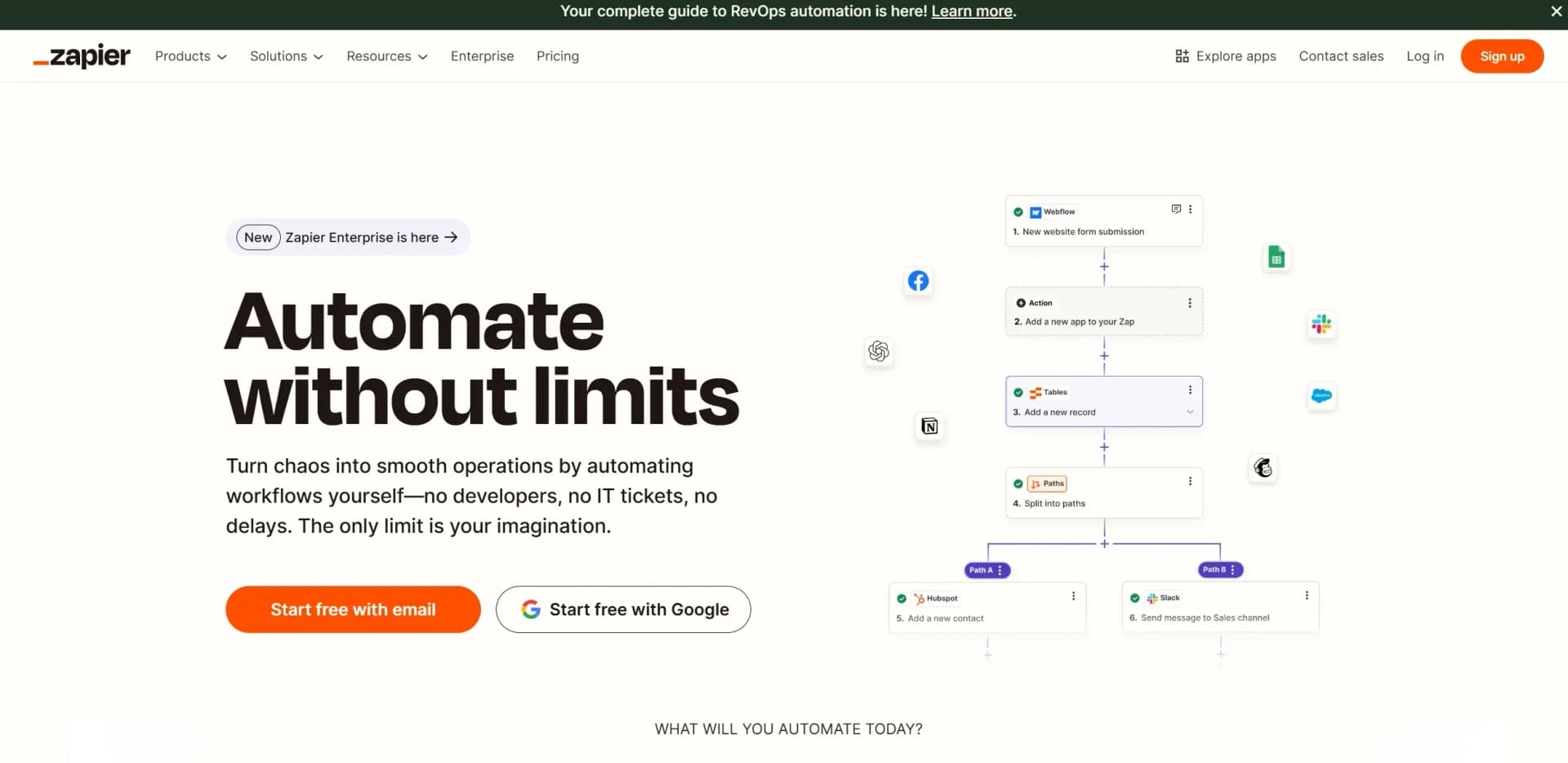
Zapier is your go-to solution for automating workflows, transforming chaotic processes into streamlined operations without the need for complex coding or IT interventions. With a focus on empowering individuals and businesses, Zapier connects over 7,000 apps, allowing users to create "Zaps" that automate tasks and enhance productivity. Whether you're in marketing, data management, or customer support, Zapier offers a versatile platform designed to simplify your work life.
Zapier stands out with its vast integration capabilities and AI-powered automation, allowing users to connect thousands of apps without writing a single line of code. Its ability to handle complex workflows with ease makes it a powerhouse for businesses looking to optimize their operations.
Zapier offers a robust platform for anyone looking to harness the power of automation without technical expertise. Its extensive app integration and AI-driven capabilities make it an invaluable tool for boosting productivity and efficiency. Whether you're a small business owner or part of a large corporation, Zapier provides the flexibility and scalability to meet your unique needs, making it a must-have in your digital toolkit.
Who is Using Zapier?
E-commerce Businesses
Streamlining order management and customer communication.
Digital Marketing Agencies
Automating campaign management and lead generation.
IT Departments
Managing support tickets and system alerts efficiently.
Sales Teams
Enhancing lead management and sales handoffs.
Uncommon Use Cases
Used by educational institutions to automate administrative tasks; Adopted by non-profit organizations for donor management.
Key Features
Rating Breakdown
Pricing Plans
Free Tier
Free
- Start with a limited free plan to explore basic features
Starter Plan
$19.99 per month
- Offering more Zaps and premium app integrations
Professional Plan
$49 per month
- Suitable for growing businesses needing advanced features
Team Plan
$299 per month
- Designed for larger teams requiring collaborative tools
Which Zapier plan should you pick?
Start with Free for basic two-step automation, upgrade to Professional for multi-step workflows, Team for collaboration and SSO, or Enterprise for organization-wide governance.
Free
Good for individuals testing automation who need two-step Zaps and up to 100 tasks per month.
Professional
Good for individuals and small teams who need multi-step Zaps, premium apps, webhooks, and advanced workflow tools.
Team
Good for teams who need shared Zaps, shared folders, shared app connections, and SAML SSO.
Enterprise
Good for organizations that need unlimited users, advanced permissions, app controls, observability, and governance.
Zapier Use Cases
Lead management
Capture leads, route them to the right systems, and automate follow-up workflows.
Outcome: More leads are handled with less manual management.
Sales pipeline management
Automate buyer-journey handoffs, follow-ups, contract processes, and account context.
Outcome: Sales representatives spend less time searching and more time selling.
Marketing campaigns
Connect campaign, advertising, analytics, and email tools into repeatable automated processes.
Outcome: Marketing teams can launch and iterate campaigns more efficiently.
Data management
Move, organize, enrich, and synchronize business data between connected applications.
Outcome: Teams gain a unified view of important operational information.
Customer support and incidents
Automate ticket intake, routing, notifications, and customer-context workflows.
Outcome: Support teams can resolve tickets faster.
Workflow Ideas with Zapier
Route new leads
- 1Trigger when a new lead is captured
- 2Find or create the lead in the CRM
- 3Route or notify the appropriate sales team
Process a new survey response
- 1Trigger when a new survey response arrives
- 2Filter or format the response data
- 3Send the result to an email, spreadsheet, or CRM
Automate a customer payment update
- 1Trigger when a customer makes a payment
- 2Find the customer's open deal
- 3Update the deal status and notify the team
How Zapier fits into your stack
Browser
Zapier is primarily a browser-based web app. Its Chrome extension lets users trigger Zaps, retrieve information, and run workflows without leaving the browser.
Automation and APIs
Zapier sits between business applications as an orchestration layer for trigger-and-action workflows, webhooks, custom code, the Workflow API, SDK, and MCP.
Knowledge and files
Zapier Agents, Chatbots, and AI by Zapier can use uploaded documents, webpages, tables, and connected sources as knowledge for automated analysis and responses.
Team chat and tickets
Zapier connects collaboration and business systems such as Slack, Gmail, Salesforce, Notion, Google Drive, and thousands of other apps to automate notifications, routing, and follow-up work.
Pros
- +Time Efficiency: Automates repetitive tasks, freeing up time for more critical activities.
- +Scalability: Suitable for teams of all sizes, from solo entrepreneurs to large enterprises.
- +Cost Savings: Reduces operational costs by automating tasks that would otherwise require manual intervention.
- +Flexibility: Offers a wide range of templates and customization options to fit various business processes.
Cons
- −Initial Learning Curve: New users may require time to explore and understand the full range of features.
- −Complexity in Advanced Setups: While basic flows are easy to set up, more complex automations might need a deeper understanding of the platform.
Limitations & when to consider alternatives
Known limitations
- Workflow step limit. A Zap workflow is limited to 100 steps, including steps inside paths.
- Monthly task allowances. Each plan has a monthly task allowance; runs may be held after the allowance is reached.
- Polling and rate limits. Polling intervals and Zapier or third-party API rate limits can delay or throttle workflow execution.
- One-way synchronization. Zapier does not natively support two-way syncing between apps.
- AI knowledge reset. AI by Zapier does not learn from previous actions and resets its knowledge for each run.
Look elsewhere when
- You need a native iOS or Android Zapier app.
- You need an installable Windows, Mac, or Linux desktop application.
- You need fine-tuning or persistent model training on your own data.
How to Use Zapier
- 1
Create a Zap
Open the Zapier dashboard and choose Create a Zap to begin a new automated workflow.
- 2
Choose the trigger app and event
Select the app and event that should start the workflow, then connect the relevant account.
- 3
Add action steps
Choose what Zapier should do after the trigger, such as sending an email, updating a CRM, or creating a record.
- 4
Customize with built-in tools
Add filters, paths, formatting, searches, delays, code, or AI steps when the workflow needs logic or enrichment.
- 5
Test the workflow
Run trigger and action tests, review the returned data, and correct field mappings before publishing.
- 6
Publish and monitor
Turn on the Zap, monitor Zap History and task usage, and replay or troubleshoot held runs when necessary.
Who is Zapier For?
Business owners
Automate repetitive business processes and connect the tools used across the organization.
Sales teams
Automate lead routing, sales handoffs, follow-ups, and pipeline processes.
Marketing teams
Create and scale campaigns while automating lead capture and campaign operations.
IT teams
Build automated helpdesks, incident workflows, app processes, and governance controls.
Human resources and finance teams
Connect departmental systems and automate operational workflows without switching tools.
Frequently Asked Questions
What is Zapier?
Zapier connects apps, data, and processes so users can automate work with trigger-and-action workflows.
Does Zapier have a free plan?
Yes. The Free plan is free forever and includes 100 tasks per month, unlimited assets, and two-step workflows.
What is a Zap?
A Zap is an automated workflow consisting of a trigger followed by one or more actions.
Can Zapier use AI?
Yes. AI by Zapier can summarize, classify, draft, make decisions, use knowledge sources, and call connected app tools.
Can Zapier connect to custom APIs?
Yes. Webhooks by Zapier, API by Zapier, custom actions, private apps, and the Developer Platform support custom API connections.
Does Zapier support SSO?
Yes. SAML single sign-on is available on Team and Enterprise plans.
Community reviews
1 review from people who use Zapier.
Sign in to leave a review for Zapier.
Content Writer
Zapier Alternatives
Looking for alternatives to Zapier? Here are similar tools in the same category:
Learn to Master Zapier
With Skill Leap courses
Get in-depth training on Zapier and 50+ other AI tools with our expert-led video courses.
Start 7-Day Free Trial