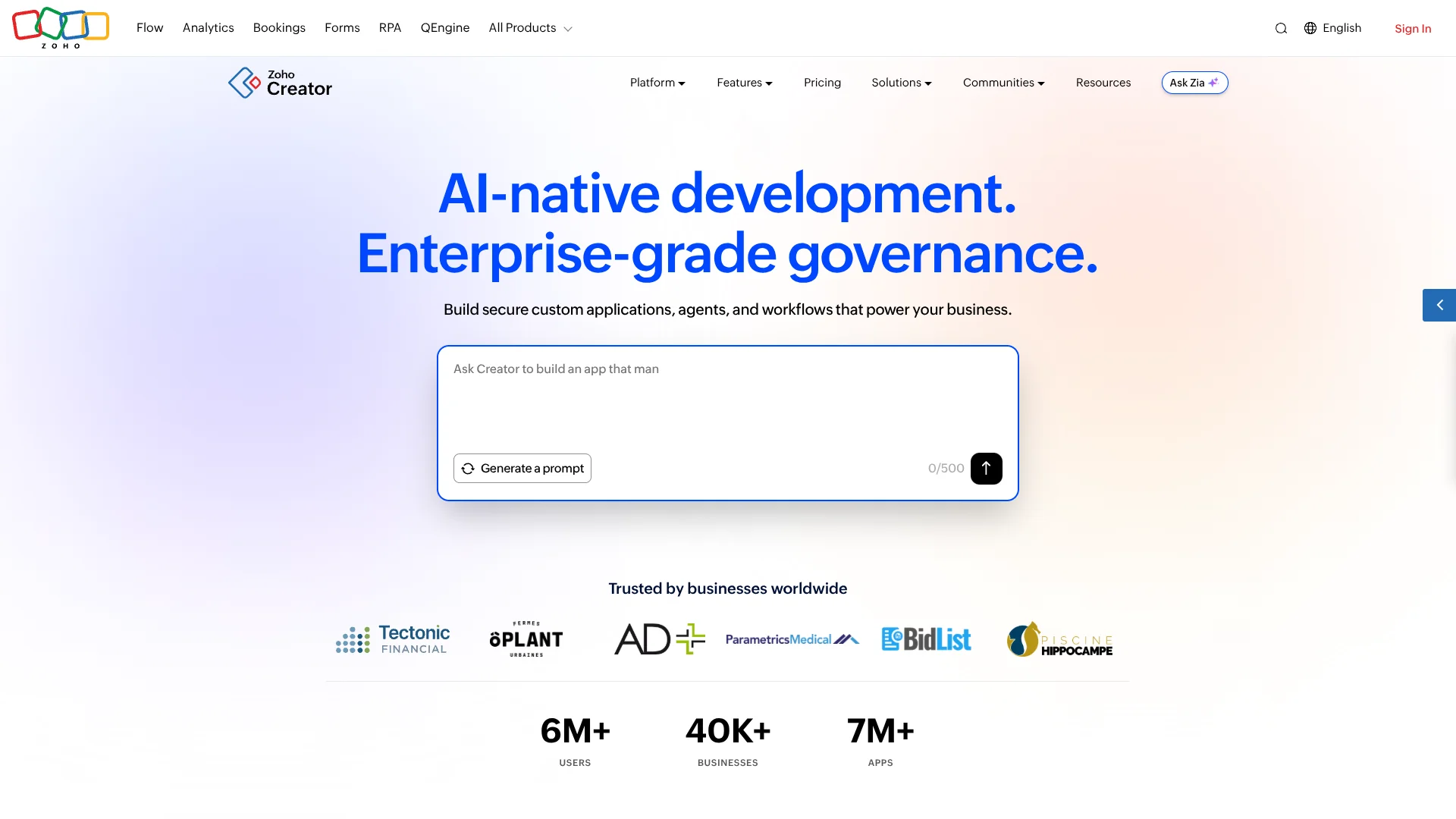
Zoho Creator
Custom business apps for teams whose workflows don't fit off-the-shelf software.
Key Takeaways
- What it is
- Custom business apps for teams whose workflows don't fit off-the-shelf software.
- Pricing
- Freemium · $12 per user per month · $30 per user per month · $37 per user per month
- Best for
- Plan Agent
- Build Agent
- Workflow automation
- Rating
- 4.3/5
What is Zoho Creator?
Zoho Creator turns a business process into a working app that can collect information, automate steps, and show results on web and mobile. Business users can describe an idea to its Plan Agent, then build with AI guidance, visual tools, or code. It is aimed at teams that need a custom app for processes their existing software does not cover.
The Plan Agent can turn an app idea into a business requirements document, and the Build Agent can make proposed app changes for review before applying them. That path from an AI-written plan to reviewed changes in a working business app is a concrete strength for organizations shaping their own internal tools and customer portals.
Zoho Creator is a strong fit for business and IT teams that want to tailor apps to their processes and connect them to existing systems. Building more advanced workflows may still call for Deluge, Zoho's scripting language, or help from a developer. Reach for Creator when a standard app does not match the way your business works.
Who is Using Zoho Creator?
Operations managers
A tailored app can track recurring processes, approvals, and work items in one place.
IT application developers
The Build Agent, Deluge, and REST APIs support building and extending custom business apps.
Procurement managers
Custom workflows can organize purchasing steps, vendor information, and approvals.
Customer service managers
A branded portal can give customers a place to access services and share information.
Uncommon Use Cases
Extracting selected fields from invoices or forms with a trained OCR model; giving vendors a portal to submit and track information
Key Features
Rating Breakdown
Pricing Plans
Free Edition
Free
- One user
- One application
- 250 MB storage
- 1,000 records
Standard
$12 per user per month
- Annual billing: $8 per user per month
- One application
- 250 custom schedules per user per month
- Five data sources
Professional
$30 per user per month
- Annual billing: $20 per user per month
- Unlimited applications
- 1,000 custom schedules per user per month
- 15 data sources
Enterprise
$37 per user per month
- Annual billing: $25 per user per month
- Unlimited applications
- 2,000 custom schedules per user per month
- 30 data sources
Flex
- For businesses with requirements that do not fit the standard plans.
Which Zoho Creator plan should you pick?
Start with the Free Edition to test a single-user app, then choose a paid plan when you need more apps, users, integrations, or governance features.
Free Edition
Good for an individual exploring app building with one application and limited storage and records.
Standard
Good for a small team starting with a business app and core workflow features.
Professional
Good for teams that need scalable apps, more data sources, or broader connector limits.
Enterprise
Good for organizations building wider-reaching apps that need advanced integrations and analytics.
Flex
Good for businesses whose requirements do not fit the standard plans.
Zoho Creator Use Cases
Internal process apps
A team can replace scattered forms and manual follow-ups with a custom app for its recurring work.
Outcome: Processes, records, and approvals are handled through a tailored app.
Customer and partner portals
External users get a dedicated place to access information and interact with an organization.
Outcome: Customers, vendors, or partners can access relevant business services and information.
Document data extraction
An OCR model can read text from images or PDFs and extract selected fields into an app.
Outcome: Document details can be captured in structured app fields.
Connected business workflows
Apps can exchange information with Zoho products and third-party services through connectors or APIs.
Outcome: Connected systems can share data as part of a business process.
Mobile business apps
Employees and external users can access Creator applications on iOS and Android.
Outcome: App users can access business processes from mobile devices.
Workflow Ideas with Zoho Creator
Turn a process idea into an app
- 1Describe the business process and its users to the Plan Agent.
- 2Review and refine the generated requirements document.
- 3Build the app with the Build Agent or Creator's visual tools.
Route a request for approval
- 1Collect the request through a Creator form.
- 2Set workflow rules and an approval process.
- 3Track the request in an app report.
Extract details from business documents
- 1Create a custom OCR model and add example images or PDFs.
- 2Tag the information fields the model should extract.
- 3Train and publish the model for use in a Creator app.
How Zoho Creator fits into your stack
App building
Creator is where teams build custom business apps with AI guidance, visual tools, or Deluge code.
Workflows and approvals
Rules, schedules, and approval workflows handle repeated steps inside the app.
Business systems
Prebuilt connectors and REST APIs link Creator apps with Zoho products and other services.
Mobile and portals
Apps can be accessed through Creator's iOS and Android apps, or delivered to external users through portals.
Pros
- +Idea-to-app planning: The Plan Agent drafts requirements before app building begins.
- +Reviewed AI changes: The Build Agent presents proposed edits for approval.
- +Custom business processes: Forms, reports, and workflows can be tailored to a team's needs.
- +Mobile delivery: Apps can be accessed on iOS and Android, with branded app options.
- +Broad connections: More than 1,000 prebuilt connectors help link apps to other systems.
Cons
- −Per-user pricing: Subscription costs grow as more users need access.
- −Developer learning curve: Advanced customization may require learning Deluge or involving a developer.
- −Plan complexity: Features and limits vary across subscription levels.
Limitations & when to consider alternatives
Known limitations
- Free plan capacity. The Free Edition is limited to one user, one application, 250 MB of storage, and 1,000 records.
- OCR language. The documented OCR model supports English for printed and handwritten text.
- Build Agent provider support. The Build Agent help documentation says it does not support Google Gemini as its configured AI provider.
- File upload size. The file upload field accepts files up to 50 MB.
Look elsewhere when
- You need a desktop installer rather than a browser-based app builder.
- You need an OCR model that reads printed or handwritten text in a language other than English.
How to Use Zoho Creator
- 1
Start with the process
Write down what the app should handle, who will use it, and what information it needs; the Plan Agent can turn this into a requirements document.
- 2
Choose a build approach
Use the Build Agent for natural-language changes, visual components for hands-on setup, or Deluge when you need custom code.
- 3
Review AI-proposed changes
Check the Build Agent's change summary and approve the changes you want applied.
- 4
Set up access and workflows
Configure user roles and permissions, then add workflow rules or approvals for the business process.
- 5
Connect existing systems
Choose a prebuilt connector or use Creator's REST APIs to connect your app to other services.
- 6
Test and publish
Check the app in its development environment before publishing it for web or mobile users.
Who is Zoho Creator For?
Business users
Teams can shape tools around the processes they manage instead of relying only on off-the-shelf apps.
Business leaders
Custom apps can bring process information and approvals into a clearer, trackable workflow.
Developers
Developers can extend apps with Deluge, APIs, and custom integrations.
IT leaders
IT teams can manage access, app environments, integrations, and deployment options.
Organizations serving external users
Customer, vendor, and partner portals provide a dedicated way to access business services and information.
Frequently Asked Questions
Does Zoho Creator have a free plan?
Yes. The Free Edition includes one user, one application, 250 MB of storage, and 1,000 records.
What does Zoho Creator cost?
The US monthly prices are $12 per user for Standard, $30 for Professional, and $37 for Enterprise. Annual billing is listed at $8, $20, and $25 per user per month, respectively.
Can Zoho Creator connect to other apps?
Yes. The platform offers more than 1,000 prebuilt connectors, and its REST APIs can connect Creator apps to external systems.
Can I use Zoho Creator on a phone?
Yes. The Zoho Creator app is available for iOS and Android, and Creator apps can also be published as branded mobile apps.
Can Zoho Creator read information from images or PDFs?
Yes. Its OCR models extract text from images and PDFs, and custom models can be trained to identify selected fields.
Community reviews
Be the first to share your experience.
Sign in to leave a review for Zoho Creator.
Zoho Creator Alternatives
Looking for alternatives to Zoho Creator? Here are similar tools in the same category: