
ChatGPT Work
The versatile AI assistant for everyday questions, writing, and code.
Watch ChatGPT Work in Action
Key Takeaways
- What it is
- The versatile AI assistant for everyday questions, writing, and code.
- Pricing
- $25 per user per month · $125 per user per month
- Best for
- Plan mode
- Finished work products
- Connected tools and workflows
- Rating
- 4.6/5
What is ChatGPT Work?
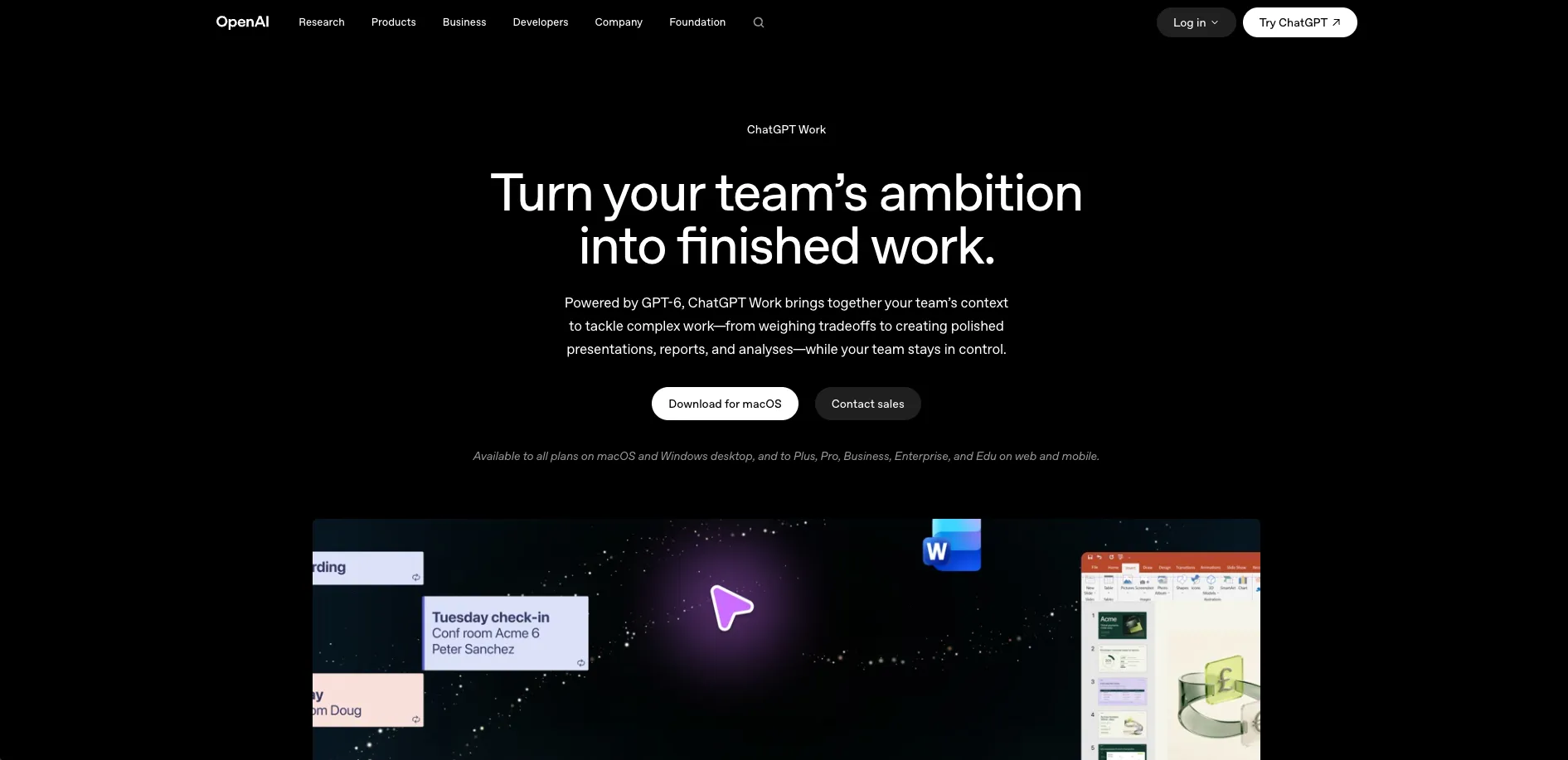
ChatGPT Work is the task-focused experience inside ChatGPT for projects that need research, planning, and finished deliverables. It gathers context from connected tools, files, and desktop apps, then works through longer assignments such as reports, presentations, spreadsheets, and analyses. It is aimed at teams and professionals who want more than a short conversational answer.
Its defining capability is staying with a complex task for hours, breaking the work into smaller steps, and continuing across connected apps and files until it produces a usable result.
ChatGPT Work fits finance, marketing, sales, data analytics, and engineering teams that handle scattered information and repeatable project work. It can still require human review, approvals, and plan-specific usage, especially when actions affect external systems. The best reason to choose it is its focus on moving from a broad goal to a finished work product.
Who is Using ChatGPT Work?
Operations managers
Recurring updates and cross-team information can become organized reports with owners, blockers, and action items.
Financial analysts
Spreadsheets, business context, and source files can be shaped into analyses and decision materials.
Marketing managers
Campaign research and connected customer information can become briefs, launch calendars, and presentations.
Sales leaders
Account signals from connected tools can be gathered into meeting preparation, summaries, and follow-up work.
Project managers
Plan mode and scheduled tasks help keep complex projects moving while progress and changes are reviewed.
Uncommon Use Cases
Interactive project trackers and internal Sites; monitoring changes across connected tools while away from a desk.
Key Features
Rating Breakdown
Pricing Plans
Standard seat
$25 per user per month
- $20 per user per month when billed annually
- Included with ChatGPT Business
- Includes ChatGPT, ChatGPT Work, and Codex
- Business workspace requires at least two paid seats
Premium seat
$125 per user per month
- $100 per user per month when billed annually
- 5x more usage than Standard
- No 5-hour limit
- Included with ChatGPT Business
Enterprise
- Expanded context for longer inputs and larger files
- SCIM, EKM, user analytics, domain verification, and role-based access controls
- Data residency in ten regions
- 24/7 priority support and SLAs
Which ChatGPT Work plan should you pick?
Start with a Standard seat for regular team work, choose Premium when you need more Work and Codex usage, and contact OpenAI for Enterprise controls and support.
Standard seat
Good for everyday team work that needs connected context, finished deliverables, and standard Work usage.
Premium seat
Good for frequent or heavier Work and Codex users who need 5x more usage than Standard with no 5-hour limit.
Enterprise
Good for organizations that need expanded context, advanced security controls, data residency, SLAs, and priority support.
ChatGPT Work Use Cases
Executive reporting
Scattered project updates become a polished report with key risks, owners, and next actions.
Outcome: A share-ready report built from connected team context.
Presentation creation
Research, files, and preferred formats are combined into a presentation that can be reviewed and revised.
Outcome: A finished presentation based on the team's source material.
Spreadsheet analysis
Business questions and source data are turned into structured spreadsheet work and analysis.
Outcome: A usable spreadsheet and analysis for decision-making.
Recurring monitoring
Scheduled Tasks watch for updates or run repeat work on a chosen schedule.
Outcome: Regular updates without rebuilding the same task each time.
Interactive internal tools
Ideas, plans, and data become Sites such as dashboards, project trackers, launch calendars, and prototypes.
Outcome: A shareable interactive Site that can stay current as information changes.
Workflow Ideas with ChatGPT Work
From scattered updates to an executive brief
- 1Connect the relevant workplace apps and add project files.
- 2Ask Work to gather status, risks, owners, and unresolved issues.
- 3Review the plan, approve the task, and revise the finished brief.
From research to presentation
- 1Add source documents, constraints, and the required presentation format.
- 2Let Plan mode outline the research and slide structure.
- 3Review the slides, request changes, and share the final presentation.
From recurring monitoring to scheduled updates
- 1Define the change or event that Work should monitor.
- 2Set a one-time or recurring Scheduled Task.
- 3Review progress and approve any action that requires confirmation.
How ChatGPT Work fits into your stack
Web and mobile
Work is available inside ChatGPT on supported paid plans through the web and mobile apps. Cloud Work chats sync across web, mobile, and desktop.
Desktop work
The ChatGPT desktop app adds local folder access, a built-in browser, multiple tabs, and Work chats alongside regular Chat.
Workplace apps
Plugins and connected apps let Work gather context from services such as Google Workspace, Slack, GitHub, and Microsoft 365.
Team administration
Business and Enterprise workspaces add centralized billing, workspace permissions, SSO, MFA, and controls for Work access.
Automation
Scheduled Tasks and Workspace agents extend Work beyond a single chat for recurring or customized workflows.
Pros
- +Finished deliverables: Produces share-ready documents, slides, spreadsheets, and web apps instead of stopping at suggestions.
- +Long-running tasks: Can keep working through complex assignments for hours by dividing them into smaller steps.
- +Connected context: Pulls information from tools, files, and desktop apps used by a team.
- +Review controls: Plan mode lets you inspect and change the proposed approach before work begins.
- +Multiple surfaces: Work chats can continue across web, mobile, and desktop.
Cons
- −Plan-dependent access: Availability and usage depend on the account, workspace, role, and subscription.
- −Human approval still matters: Some actions require review before Work can complete them.
- −Separate coding experience: Codex remains a distinct view for software development and technical work.
Limitations & when to consider alternatives
Known limitations
- Availability varies by plan. Work is available on desktop across plans, while web and mobile access depends on the plan and eligible account access.
- Usage depends on the plan. Work uses plan allowances and, where applicable, additional credits; usage varies with task size, reasoning settings, and speed mode.
- Actions may need approval. On web and mobile, Work shows on-screen approval controls when an action requires confirmation.
- Workspace permissions apply. Business and Enterprise owners or admins can control Work access for workspace roles, including separate Cloud and Local settings.
- Codex is separate. Codex remains a separate view with its own history and software development workflow.
Look elsewhere when
- You need a standalone developer API for this exact Work experience.
- You need a dedicated browser extension rather than a browser built into the desktop app.
- Your team needs unrestricted usage without plan allowances or credit-based billing.
- You need a specialized coding workspace instead of Work's general task experience.
How to Use ChatGPT Work
- 1
Choose Work
Open ChatGPT on the web, mobile app, or desktop app and select Work from the ChatGPT experience.
- 2
Set the context
Open a project or new chat, then add files, connected sources, constraints, and review criteria.
- 3
Describe the deliverable
State the outcome you need, such as a report, spreadsheet, presentation, Site, or recurring update.
- 4
Review the plan
Use Plan mode to inspect the approach, answer questions, and suggest changes before work starts.
- 5
Approve and revise
Allow important actions when prompted, review the result, and request changes in the same chat.
- 6
Schedule follow-up work
Set a Scheduled Task when the work should repeat, monitor updates, or continue after the initial task.
Who is ChatGPT Work For?
Teams
Shared workspaces, centralized billing, connected apps, and admin controls support collaborative projects.
Finance and operations
Work can gather scattered business context and turn it into analyses, reports, and recurring updates.
Marketing and sales
Campaign plans, customer signals, presentations, and account materials can be assembled from connected sources.
Data analytics
Analysts can move from source files and business questions to structured analysis and presentation-ready output.
Engineering
Engineering teams can use Work for project research, documentation, status work, and browser-based tasks while Codex handles dedicated software development.
Frequently Asked Questions
Is ChatGPT Work free?
Work is available on the ChatGPT desktop app across plans, including Free, while web and mobile availability depends on eligible paid plans and account access.
What does ChatGPT Work cost?
Work is included with ChatGPT Business seats. Standard seats cost $25 per user per month when billed monthly, and Premium seats cost $125 per user per month when billed monthly.
Can ChatGPT Work use my files and connected apps?
Yes. Work can use files, projects, connected apps, plugins, and desktop context when the relevant access and permissions are available.
Can ChatGPT Work create presentations and spreadsheets?
Yes. OpenAI describes Work as able to create polished spreadsheets, documents, presentations, analyses, and Sites.
Can ChatGPT Work run tasks on a schedule?
Yes. Scheduled Tasks can run once, repeat on a schedule, or monitor for changes.
Is ChatGPT Work the same as Codex?
No. Work handles longer multi-step tasks and finished deliverables, while Codex remains the separate experience for software development and technical work.
Part of the ChatGPT family

ChatGPT
View parent product
Community reviews
Be the first to share your experience.
Sign in to leave a review for ChatGPT Work.
ChatGPT Work Alternatives
Looking for alternatives to ChatGPT Work? Here are similar tools in the same category:
Learn to Master ChatGPT Work
With Skill Leap courses
Get in-depth training on ChatGPT Work and 50+ other AI tools with our expert-led video courses.
Start 7-Day Free Trial