
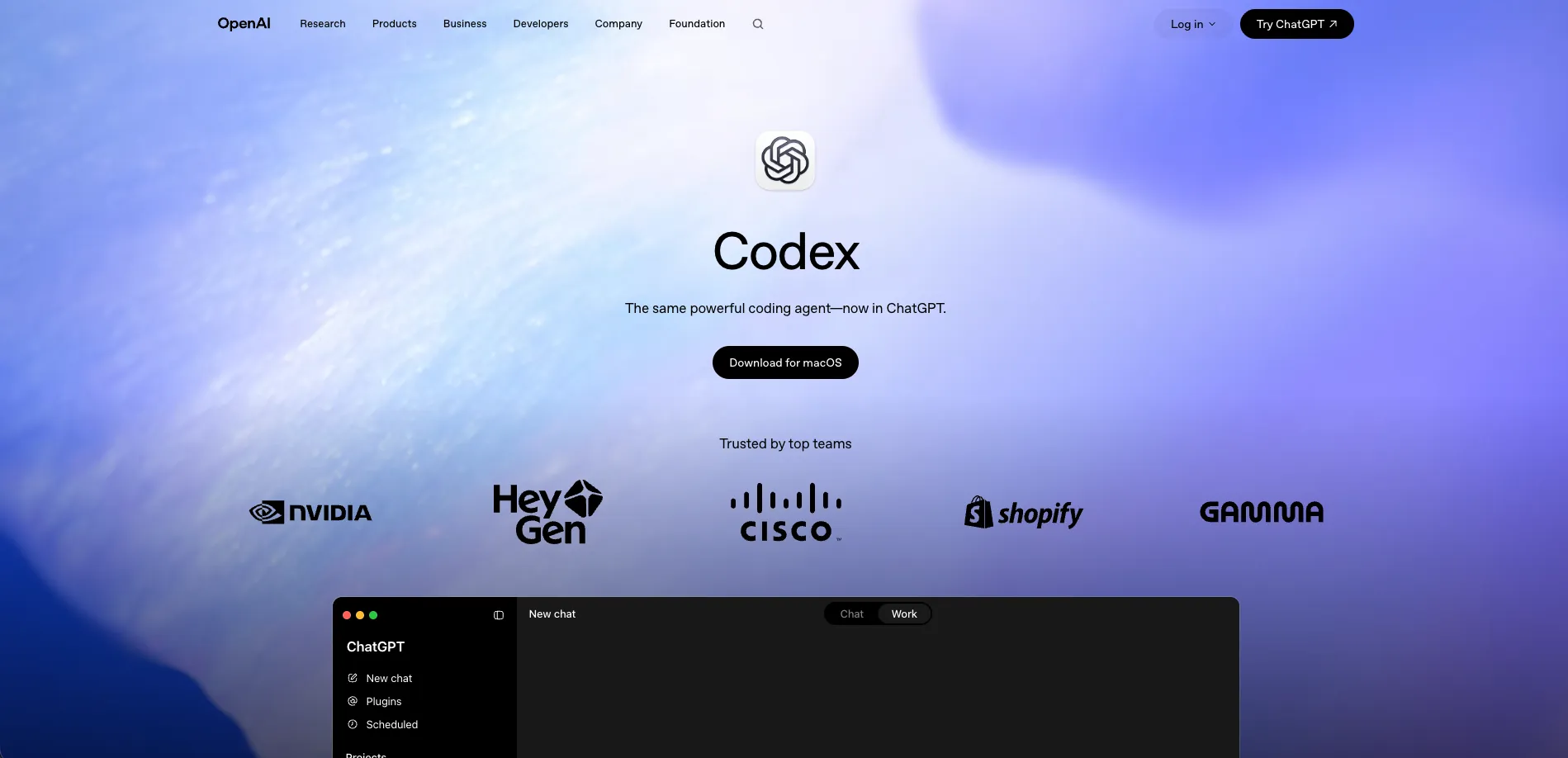
Codex
A coding agent that turns repository tasks into tested, reviewable changes.
Watch Codex in Action
Key Takeaways
- What it is
- A coding agent that turns repository tasks into tested, reviewable changes.
- Pricing
- Freemium · $8 per month · $20 per month · $200 per month · $20 per seat per month · $100 per seat per month
- Best for
- Cloud Coding Agent
- Codex App
- CLI and IDE Extension
- Rating
- 4.5/5
What is Codex?
Codex is OpenAI's coding agent for writing, reviewing, debugging, testing, and shipping software. It works with repositories in the cloud, terminal, web, desktop app, and supported code editors. Developers can give it a defined task, inspect its changes and test results, then decide what belongs in the codebase.
Codex can take a repository task from code edits through tests and a reviewable pull request while showing terminal evidence for the work. Its isolated environments let multiple agents work on separate copies of a project, so developers can compare approaches without disturbing their local branch.
Codex fits software engineers, engineering teams, security teams, and technical operators who want to delegate well-scoped work while keeping human review in the loop. It is less suitable when you need a lightweight chat tool with no repository setup or when every task requires unrestricted access to external systems. Codex is strongest when the work can be stated, tested, and reviewed.
Who is Using Codex?
Software Engineers
Feature work, refactors, migrations, tests, and debugging move forward while the engineer stays focused on architecture and review.
Code Reviewers
Pull request analysis surfaces implementation issues, test gaps, and requested changes before approval.
Security Engineers
Repository scans build a threat model, validate plausible attack paths, and produce minimal remediation patches.
Product Managers
Product requirements, issue threads, and design context can become prototypes, tickets, or small code changes.
DevOps Engineers
CI failures, deployment tasks, release notes, and recurring maintenance work can be investigated or scheduled.
Uncommon Use Cases
Build spreadsheets, PDFs, and documents through skills; create browser games, iOS apps, or Mac apps from a defined brief.
Key Features
Rating Breakdown
Pricing Plans
Free
Free
- Limited Codex access
- Designed for trying Codex on quick coding tasks
Go
$8 per month
- Codex access for lightweight coding tasks
- More usage than Free
Plus
$20 per month
- Codex on the web, CLI, IDE extension, and iOS
- Expanded Codex usage
- Additional usage can be purchased with ChatGPT credits
Pro
$200 per month
- 5x or 20x more Codex usage than Plus
- Higher limits for research and coding work
Business Standard
$20 per seat per month
- $20 per seat per month billed annually or $25 billed monthly
- Billed annually with 2 or more users
- Shared workspace with admin controls, SAML SSO, and MFA
Business Premium
$100 per seat per month
- $100 per seat per month billed annually or $125 billed monthly
- Shared workspace with admin controls, SAML SSO, and MFA
Enterprise & Edu
- Enterprise security and workspace controls
- SCIM, EKM, RBAC, audit logs, and usage monitoring
- Data retention and data residency controls
Which Codex plan should you pick?
Start with Plus for regular individual coding sessions, move to Pro for much higher limits, and choose Business or Enterprise & Edu for workspace controls and team governance.
Free
Good for trying Codex on quick coding tasks with limited usage.
Plus
Good for individual developers who need focused coding sessions across the web, CLI, IDE extension, and desktop app.
Pro
Good for developers who need 5x or 20x more Codex usage than Plus.
Business
Good for growing teams that need a shared workspace, admin controls, SAML SSO, and flexible credits.
Enterprise & Edu
Good for organizations that need enterprise security, governance, analytics, data controls, and priority processing.
Codex Use Cases
Feature Development
A repository task becomes a proposed implementation with code changes, tests, and a reviewable result.
Outcome: A tested change ready for human review.
Codebase Modernization
Legacy patterns, dead code, and outdated integrations are traced and changed in controlled steps.
Outcome: A cleaner codebase with reduced maintenance burden.
Pull Request Review
GitHub-connected review checks code changes for bugs, regressions, security concerns, and missing tests.
Outcome: Review findings and suggested fixes before merge.
Security Remediation
Codex Security validates potential vulnerabilities in connected repositories and prepares patches for review.
Outcome: Higher-confidence findings with proposed remediation.
Workflow Automation
Scheduled instructions and skills handle recurring work such as issue triage, CI summaries, and release reporting.
Outcome: A reviewable result delivered on a recurring schedule.
Workflow Ideas with Codex
Feature Branch Delivery
- 1Choose a repository and describe the feature with acceptance criteria.
- 2Let Codex inspect the code, implement the change, and run the configured tests.
- 3Review the diff and evidence, then open or update a pull request.
Security Finding to Patch
- 1Connect an authorized GitHub repository to Codex Security.
- 2Review the threat model, reproduced finding, and attack-path evidence.
- 3Inspect the proposed patch and send it through the normal pull request process.
Scheduled Engineering Triage
- 1Define an Automation with instructions and optional skills.
- 2Set a schedule for issue, CI, or release monitoring.
- 3Review the completed result in the queue and assign follow-up work.
How Codex fits into your stack
Code Repositories
Codex works from GitHub repositories and local project folders, using repository context to plan and change code.
Terminal and Editors
The CLI and IDE extension place the same coding agent in the terminal and supported editors, including VS Code, Cursor, and JetBrains IDEs.
GitHub Workflow
GitHub connections support issue investigation, pull request delegation, code review, and security workflows.
Team Tools
Plugins, MCP servers, and skills connect Codex with Slack, Linear, Figma, and other approved tools.
CI and Automation
The Codex SDK, Agents API, CLI, and Automations support repeatable work in scripts, pipelines, and scheduled processes.
Pros
- +Repository context: Works directly across codebases instead of limiting tasks to isolated snippets.
- +Verifiable work: Shows changes, terminal logs, and test results for review.
- +Parallel agents: Worktrees let several agents explore separate implementation paths at once.
- +Broad access: Available through the cloud, desktop app, CLI, IDE extension, web, and mobile sites.
- +Team connections: Supports GitHub, Slack, Linear, Figma, MCP servers, and plugins.
Cons
- −Usage limits: Access and task volume depend on the ChatGPT plan, model, and workload.
- −Review required: Generated code and proposed fixes still need human validation before merging or running.
- −Setup overhead: The best results require a configured repository, tests, permissions, and clear task instructions.
Limitations & when to consider alternatives
Known limitations
- Plan-based usage. Included usage and rate limits vary by ChatGPT plan, model, and task, and additional credits may be needed after limits are reached.
- API Key restrictions. API Key access supports the CLI, SDK, and IDE extension but does not include cloud features such as GitHub code review or Slack integration.
- Human review remains necessary. OpenAI recommends reviewing and validating generated code, test results, and security patches before integration.
- Network permissions. Codex runs with network access disabled by default in sandboxed environments, so tasks that require external services may need explicit configuration or approval.
Look elsewhere when
- You need a browser extension that works independently of a coding environment.
- You want unrestricted cloud access to external systems by default.
- Your work does not involve repositories, code, technical files, or repeatable workflows.
- Your team needs a fixed, unlimited subscription price rather than usage limits or credits.
How to Use Codex
- 1
Choose a surface
Start in the Codex app, web experience, CLI, or IDE extension based on where the project work lives.
- 2
Select a project
Give Codex access to the repository or folder it needs so its changes stay grounded in the real codebase.
- 3
Write a bounded task
State the goal, relevant files, constraints, and expected tests so the agent has a clear definition of done.
- 4
Review the evidence
Inspect the diff, terminal output, test results, and any warnings before accepting the proposed work.
- 5
Continue or integrate
Request revisions, check out the changes locally, or turn the result into a pull request.
- 6
Add repeatability
Save repository guidance in AGENTS.md or package recurring instructions into skills and Automations.
Who is Codex For?
Software Developers
Codex helps developers handle feature work, refactors, debugging, testing, and unfamiliar codebases.
Engineering Teams
Teams can delegate repository work, review changes, and coordinate multiple agents across projects.
Security Teams
Codex Security analyzes connected GitHub repositories, validates vulnerabilities, and proposes patches for review.
Technical Operations Teams
Operations staff can automate issue triage, CI investigation, reporting, and repeatable internal workflows.
Product and Design Teams
Teams can turn Figma context, product requirements, and feedback into working interfaces and internal tools.
Frequently Asked Questions
Is Codex free?
Codex is included with the ChatGPT Free plan with limited access. Paid plans provide higher usage and additional Codex features.
Which platforms support Codex?
Codex is available through the web, macOS and Windows desktop apps, CLI, supported IDE extensions, and mobile sites.
Does Codex connect to GitHub?
Yes. GitHub connections support repository work, issue and pull request delegation, code review, and Codex Security workflows.
Can Codex run scheduled work?
Yes. Automations combine instructions with optional skills and run tasks on a schedule, then return results for review.
Can developers use Codex through an API?
Yes. The Codex SDK and Agents API provide programmatic access, while API Key plans bill model usage according to OpenAI API pricing.
Does Codex train on business code?
OpenAI says inputs and outputs from Business, Enterprise, and Edu products are not used to improve models by default.
Part of the ChatGPT family

ChatGPT
View parent product
Community reviews
Be the first to share your experience.
Sign in to leave a review for Codex.
Codex Alternatives
Looking for alternatives to Codex? Here are similar tools in the same category:
Learn to Master Codex
With Skill Leap courses
Get in-depth training on Codex and 50+ other AI tools with our expert-led video courses.
Start 7-Day Free Trial